Local files, live websites
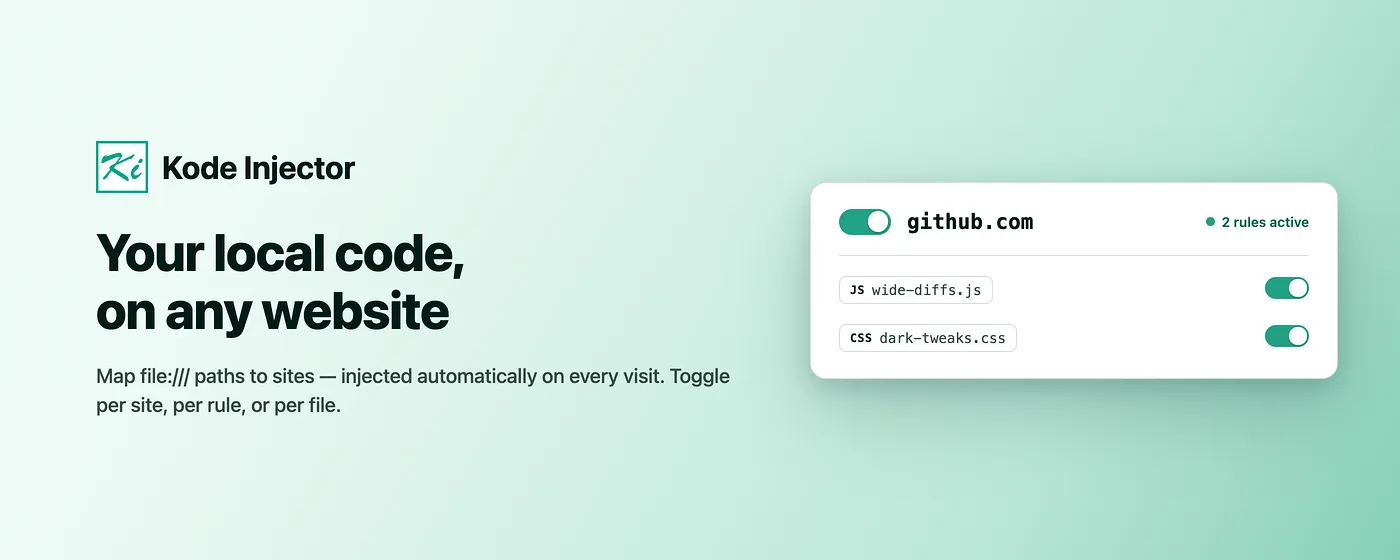
Map a site hostname to a local JavaScript file, CSS file, or both. Your latest saved code runs on every matching visit.
Free, open-source browser extension
Connect local code files to the sites where you need them. Kode Injector applies your JavaScript and CSS automatically on every visit — no more pasting the same snippet into DevTools after each reload.

A faster feedback loop
Map a site hostname to a local JavaScript file, CSS file, or both. Your latest saved code runs on every matching visit.
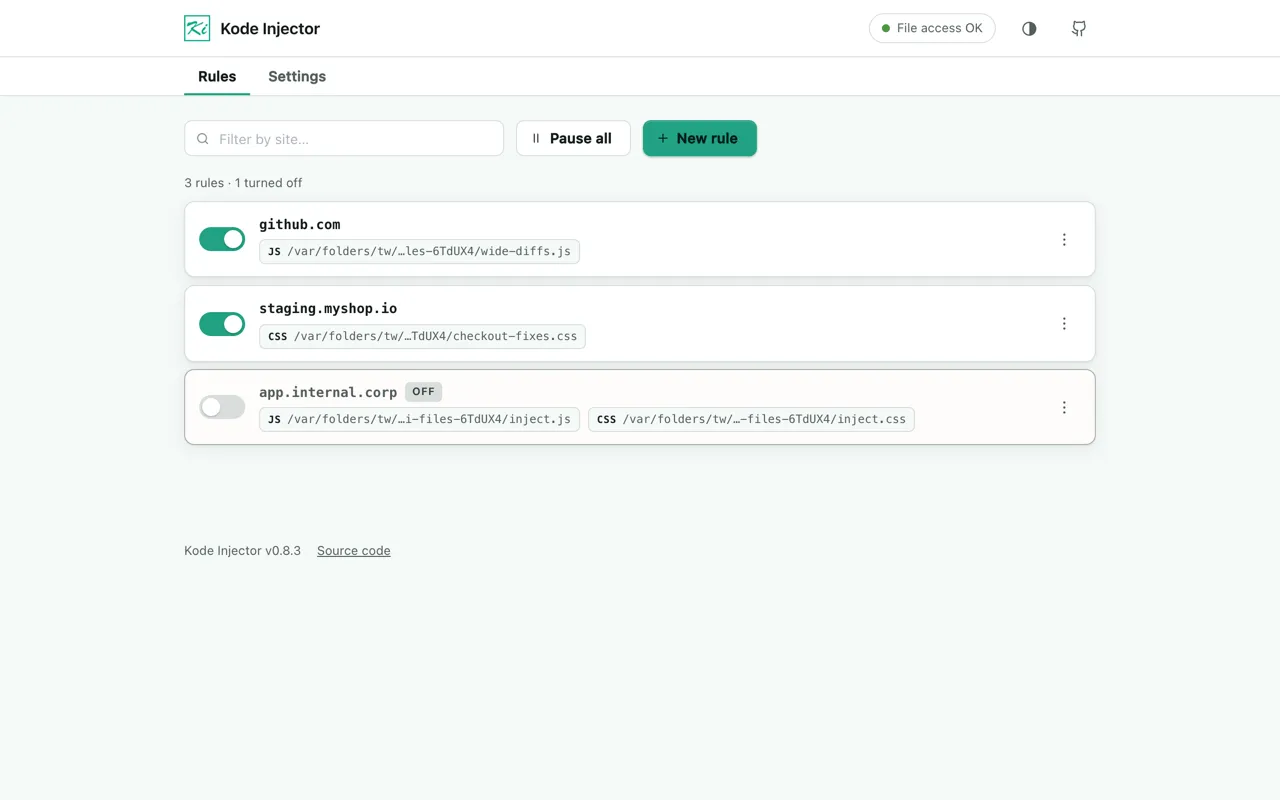
Create, edit, duplicate, pause, and delete rules without repeatedly pasting snippets into DevTools.
Toggle one file, every rule for the current site, or all injection globally from the options page and toolbar popup.
Test a fix, automate a repetitive check, adjust a live layout, or compare local code against staging and production.
Three steps
Install the extension, create a rule for a hostname, then reload the target page. Your configured files are applied automatically.
Follow the complete setup guide →Enter a hostname such as example.com.
Add a file:/// JavaScript path, CSS path, or both.
Open the matching website and your code runs automatically.
Made for practical work
Run local utilities and work-in-progress code against pages you do not control.
Keep repeatable checks and diagnostics available across reloads and test environments.
Preview CSS adjustments on a live interface without rebuilding or editing the source site.
Local by design
Rules, preferences, file paths, and local file contents stay on your device. Kode Injector reads only files you configure and applies them only to matching websites. Selected code becomes available to that page, so use trusted code on trusted sites.
No advertising or profiling
No developer-operated server
Rules remain in browser storage
Native Helper is read-only
Add Kode Injector to Chrome or Microsoft Edge, connect a local JavaScript or CSS file, and keep your testing loop moving.